Concept – Gray Values🔗
This chapter describes operators of gray value morphology.
Concept of Gray Value Morphology🔗
Gray value morphology provides a set of operators that allow the non-linear manipulation of gray values in an image, depending on their pixel neighborhood. For instance, morphological gray value operators can be used to smooth or emphasize structural features in images. Unlike the binary operations in Morphology / Region, morphological gray value operators deal with input images that contain pixels with a range of more than one bit. Therefore gray value morphology can be seen as a generalization of region morphology. In the following paragraphs, we will take a closer look at the morphological gray value operators.
Dilation and Erosion of a Grayscale Image🔗
To perform a dilation or erosion, each pixel of the image is assigned a gray value depending on its neighborhood. Area and shape of the neighborhood affecting each pixel are defined by the chosen structuring element with the current pixel being the reference point. Implementing a dilation, every pixel of the input image is assigned the maximum gray value of its neighborhood, respectively the minimum gray value for an erosion. Accordingly, bright areas of the input image are enlarged by gray value dilation, whereas gray value erosion emphasizes dark areas.
 |
 |
 |
 |
| (1) | (2) | (3) | (4) |
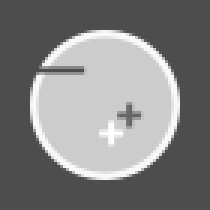
(1) Original gray value image, (2) structuring element with reference point in the origin, (3) result of eroding the input image, (4) result of dilating the input image.
These operators can be used to dilate or erode an image:
| Morphological Operator | Structuring Element | ||
|---|---|---|---|
gray_dilation |
gray_erosion |
arbitrary | |
gray_dilation_rect |
gray_erosion_rect |
rectangular | |
gray_dilation_shape |
gray_erosion_shape |
rhombus/rectangle/octagon |
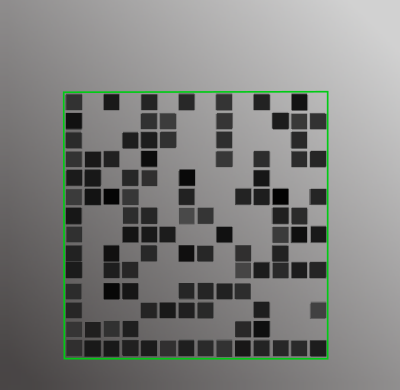
Morphological grayscale operations are often part of the preprocessing of
images before information can be extracted properly. The following example
displays a case where a gray value erosion is necessary to read 2D code
symbols. In order to fit a 2d code model used for decoding, the gaps between
the code elements in the image need to be reduced by enlarging local minima
in a square shape. Therefore a gray value erosion is performed, using an
adequately sized rectangle as the structuring element. The rectangle size
depends on the 2D code model created with create_data_code_2d_model,
where the acceptable module gap size is determined.
 |
 |
 |
| (1) | (2) | (3) |
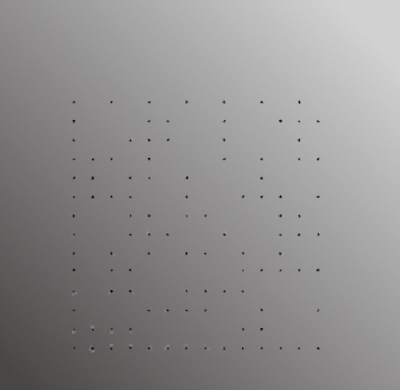
(1) Image of coded object,
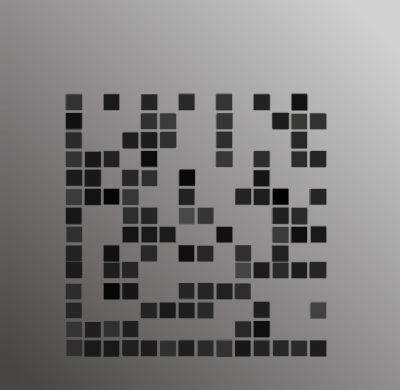
(2) erosion with square structuring element,
(3) applying 2D code model for decoding. These images are from the example
program 2d_data_codes_minimize_module_gaps.hdev.
Opening and Closing🔗
Gray value opening and gray value closing operators each are a combination
of the operators explained above. Closing is a dilation followed by an
erosion, while for an opening an erosion precedes a dilation operation.
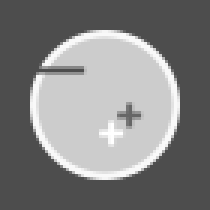
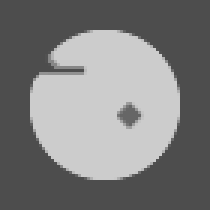
As seen in the example images, gray_closing reduces or even removes
parts of the image that are darker than their neighborhood whereas
gray_opening reduces lighter areas. Furthermore, using a suited
structuring element you can preserve shapes while removing unwanted image
artifacts.
 |
 |
 |
 |
| (1) | (2) | (3) | (4) |
(1) Original gray value image, (2) structuring element with reference point in the origin, (3) result of closing the input image, (4) result of opening the input image.
Further Operators🔗
To take a closer look at areas that are affected by gray value opening or
closing, you can perform a gray_tophat or gray_bothat
transformation.
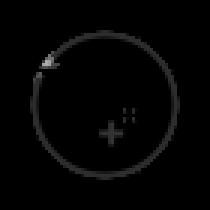
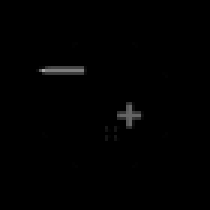
The resulting image displays the difference between the original image and
the opening respectively closing of an image. You can also use these
operators to detect structures that match the shape of the structuring
element.
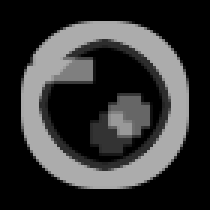
The gray_range_rect operator gives you the opportunity to detect
fine structures on homogeneous surfaces by visualizing the extent of local
variations in pixel values.
 |
 |
 |
| (1) | (2) | (3) |
(1) Top hat, (2) bottom hat, (3) gray value range.
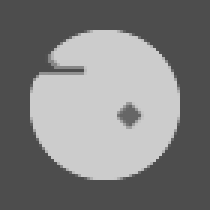
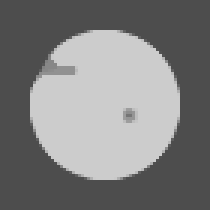
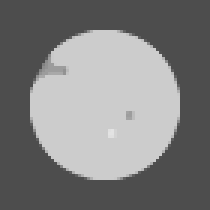
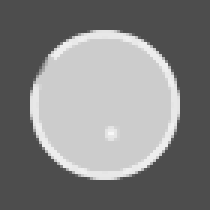
By applying the gray_range_rect operator you can perform a mitigated
form of a gray value opening or closing operation. You can control the
transformation by adjusting the parameter ModePercent.
 |
 |
 |
 |
 |
| (1) | (2) | (3) | (4) | (5) |
Dual rank operations:
(1) ModePercent = 0 (equals opening),
(2) ModePercent = 25,
(3) ModePercent = 50 (equals median),
(4) ModePercent = 75,
(5) ModePercent = 100 (equals closing).
Glossary🔗
In the following list, the most important terms that are used in the context of Morphology are described.
-
non-linear operator Operator which does not necessarily preserve structures of the input image
-
structuring element Region which is used to scan the input image.