Hypercentric lenses🔗
Hypercentric lenses allow to image the top and the sides of an object simultaneously with a single view.
Like conventional perspective lenses, hypercentric lenses perform a perspective projection of the world coordinates into the image. In contrast to conventional perspective lenses, however, the optical center (more precisely, the center of the entrance pupil) of hypercentric lenses lies outside in front of the lens (Figure 1). Furthermore, objects to be inspected are placed between the optical center and the lens. As a consequence, objects that are closer to the camera appear smaller in the image.
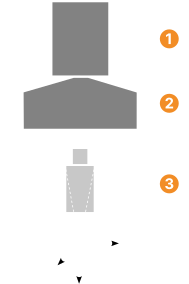
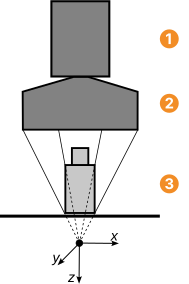
Camera, lens, object
Because of these properties, hypercentric lenses can be used, for example, for inspection tasks where otherwise multiple images would have to be acquired and stitched together.
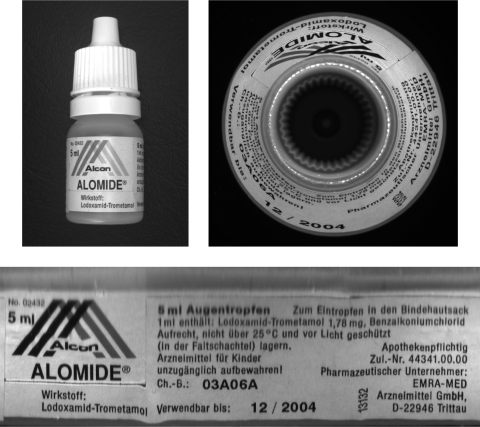
An example is shown in Figure 2, where the surface of a vial must be inspected.
Using a hypercentric lens allows a 360 degree inspection with a single camera image.
See the HDevelop example program %HALCONEXAMPLES%\hdevelop\Calibration\Multi-View\calibrate_cameras_hypercentric.hdev for more details.
As for conventional perspective lenses, the origin of the camera coordinate system of hypercentric lenses lies in the optical center of the lens. Note that because the z-axis of the camera coordinate system points in viewing direction, 3D object points have a negative z coordinate in the camera coordinate system.